Fast import
 View on the Mac App Store
Visual sequencing for photographers
Edit Wall helps photographers sort, compare, and sequence images visually, like proofs on a real studio wall.
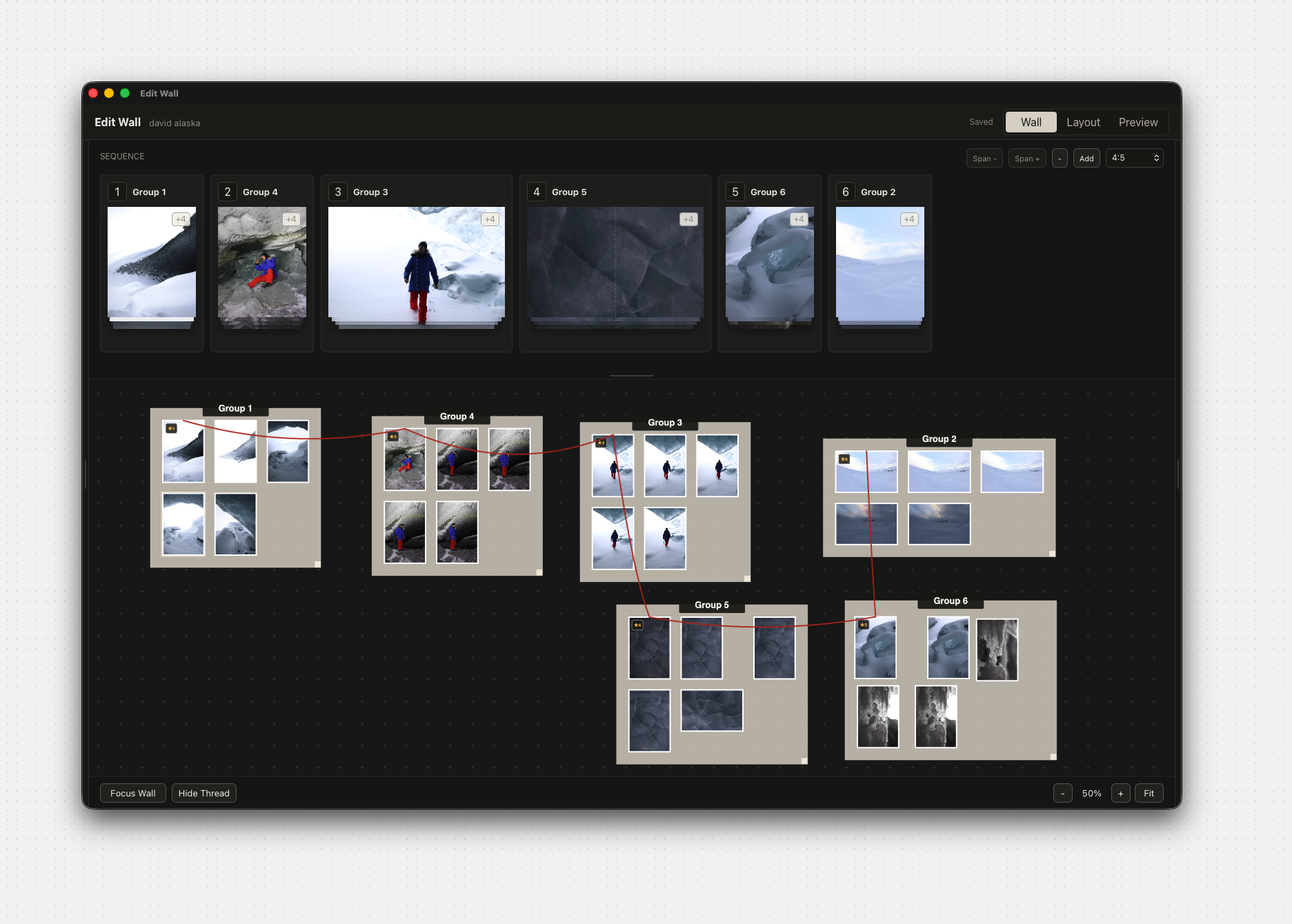
Video walkthrough
This browser cannot play the walkthrough video. Open it directly.
Enhance your collection of individual photos into a cohesive work of art.
Discover a wall of possibilities.
Features
Fast import

Local

Nondestructive
Infinite canvas

Carousels

Zines
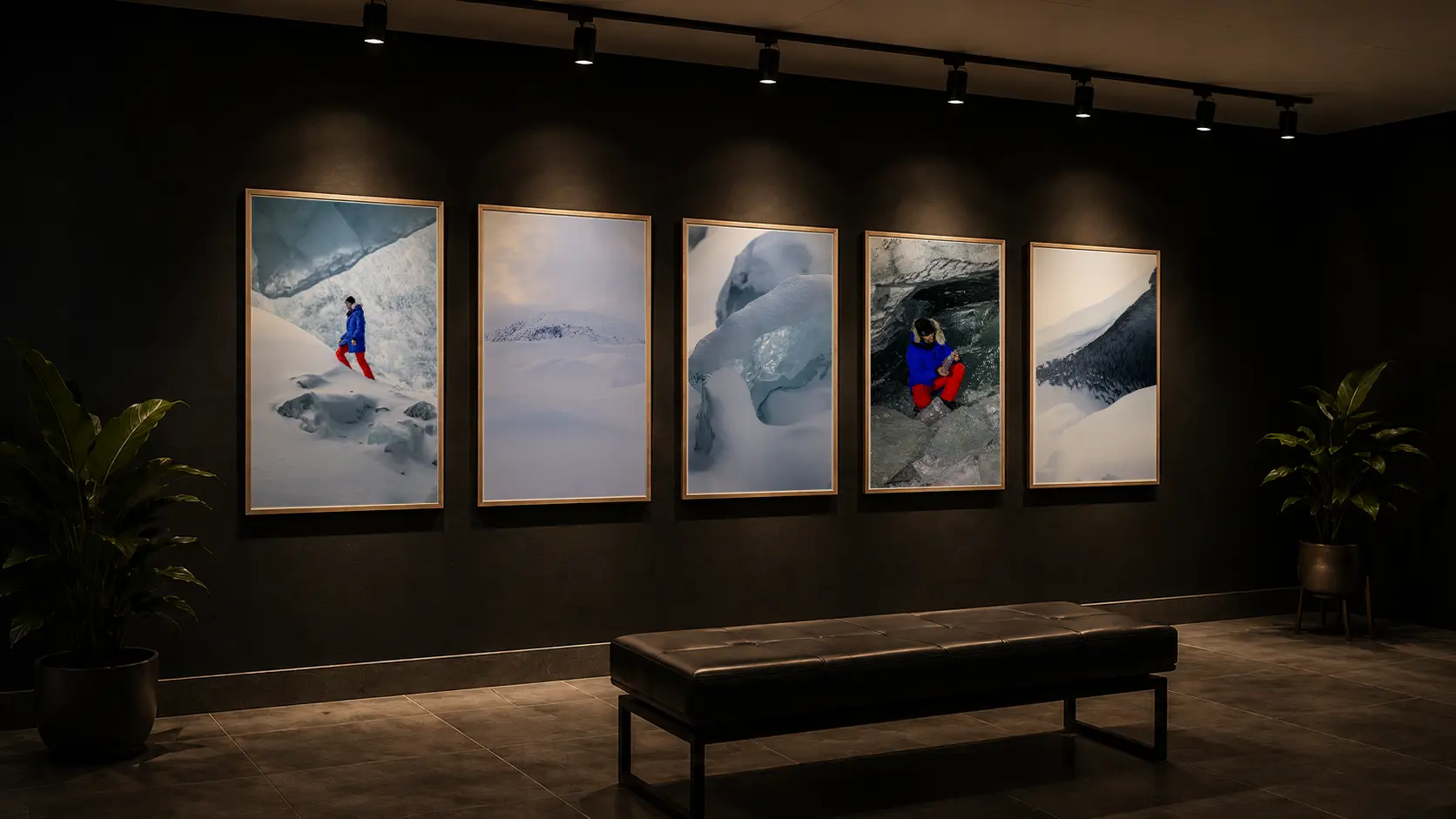
Galleries
A better way to build a narrative, made by photographers.
Pricing
Start local. Stay in control. Upgrade when your workflow grows.
Edit Wall stores everything locally. No cloud required.
Use Edit Wall forever with a one-time purchase for v1.
Unlimited walls, images, and projects. No limits.
All updates, improvements, and fixes are included.
Edit Wall Solo
Perpetual license for Edit Wall v1
Best for individualsOne-time payment. Own Edit Wall v1 forever.
Edit Wall Cloud
Optional cloud tools for teams and creators
Coming soonBilled monthly. Cancel anytime.
A picture is a thousand words but a sequence is a whole story.
FAQ
Edit Wall works locally. Your photo library stays on your machine and the app references your files without moving them into a cloud workspace.
No. The workflow is nondestructive, so you can explore groups, sequences, and layouts without deleting or overwriting the source files on disk.
Edit Wall supports JPEG and HEIC/HEIF images, including photos from iPhone, plus embedded previews from many common RAW formats used by Canon, Nikon, Sony, Fujifilm, Panasonic, OM System/Olympus, Pentax, Sigma, Hasselblad, Phase One, and DNG-based cameras. Edit Wall reads the preview stored inside a RAW file; it complements your RAW editor rather than replacing it.
Yes. Edit Wall reads basic EXIF/XMP metadata and preserves Lightroom crop metadata where available, so supported information from your existing workflow can carry into the wall.
Solo includes a perpetual Edit Wall v1 license, v1.x updates, local projects, and high-resolution exports.
Cloud is the upcoming collaboration layer for sync, shared walls, team libraries, permissions, version history, and priority support.