Fast import
 View on the Mac App Store
Visual sequencing for photographers
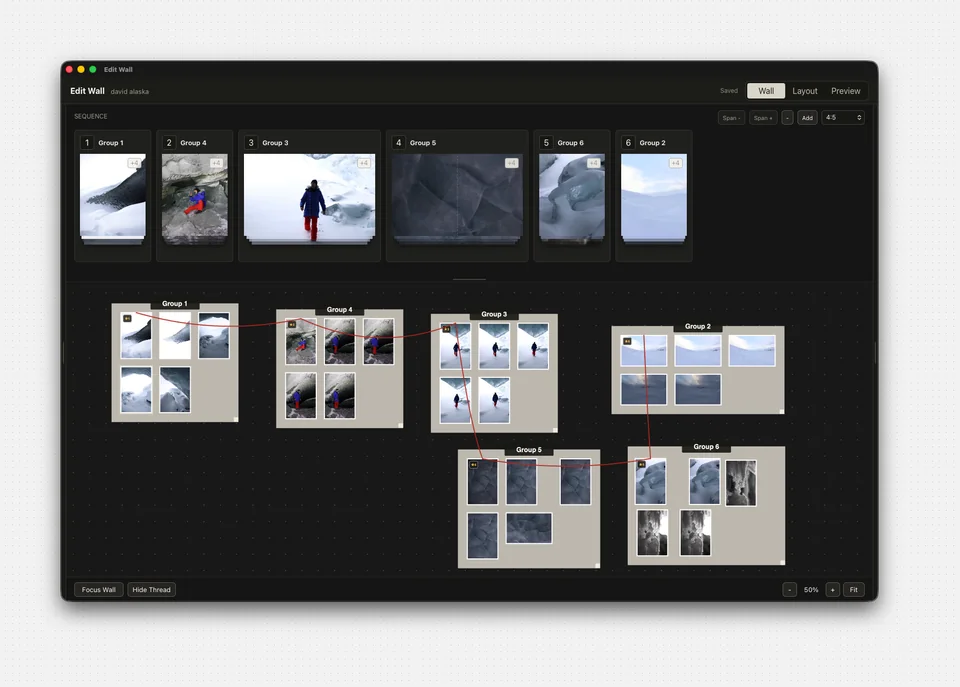
EditWall is photo sequencing software for Mac. Arrange, compare, and sequence photographs on an infinite canvas to plan zines, gallery presentations, and Instagram carousels. Work offline with your photos stored locally.
Mac requirements, formats, and export details
Special pricing: $49.99 USD Through .
Video walkthrough
Read the step-by-step walkthrough, with video timestamps from import to export.
Explore all guides for Lightroom workflows, photo zines, and Instagram carousels.
Enhance your collection of individual photos into a cohesive work of art.
Discover a wall of possibilities.
Features
Fast import

Local

Nondestructive
Infinite canvas

Carousels

Zines
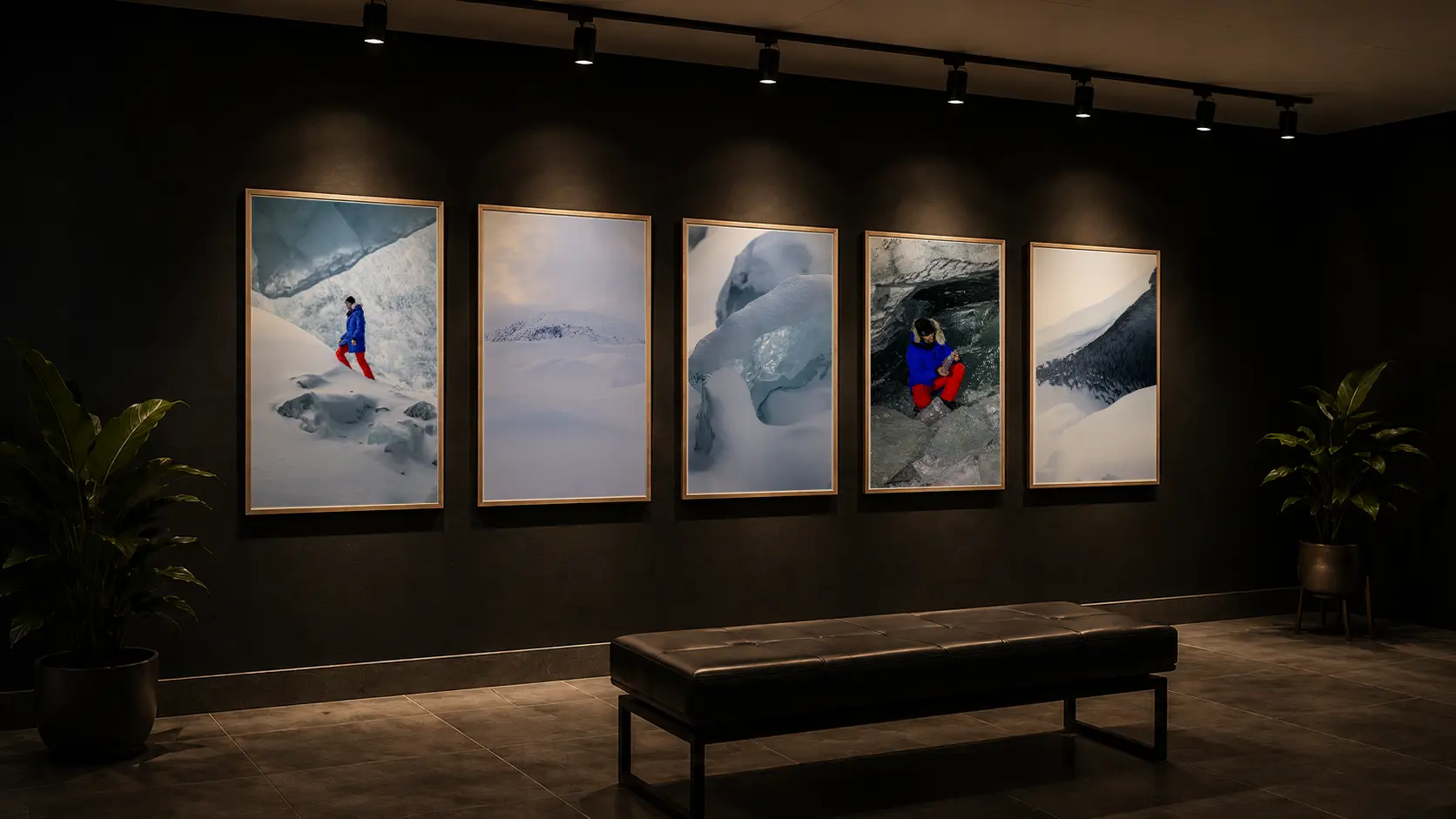
Galleries
A better way to build a narrative, made by photographers.
Pricing
Start local. Stay in control. Cloud collaboration tools are planned for a future release.
EditWall stores everything locally. No cloud required.
Use EditWall forever with a one-time purchase for v1.
Unlimited walls, images, and projects. No limits.
All updates, improvements, and fixes are included.
EditWall Solo
Perpetual license for EditWall v1
Limited-time special pricingSpecial pricing through .
From : $99.99 USD.
One-time payment. Own EditWall v1 forever.
EditWall Cloud
Planned cloud tools for teams and creators. Not available in the current release.
Planned · Not availablePricing to be announced
Cloud subscriptions are not available to purchase.
Planned features
A picture is a thousand words but a sequence is a whole story.
FAQ
EditWall works locally. Your photo library stays on your machine and the app references your files without moving them into a cloud workspace.
No. The workflow is nondestructive, so you can explore groups, sequences, and layouts without deleting or overwriting the source files on disk. Explicit XMP update actions can create or modify separate metadata sidecar files.
EditWall supports JPEG and HEIC/HEIF images, including photos from iPhone, plus embedded previews from many common RAW formats used by Canon, Nikon, Sony, Fujifilm, Panasonic, OM System/Olympus, Pentax, Sigma, Hasselblad, Phase One, and DNG-based cameras. EditWall reads the preview stored inside a RAW file; it complements your RAW editor rather than replacing it.
Yes. In Lightroom Classic, enable Automatically write changes into XMP in Catalog Settings → Metadata, or use Save Metadata to File. Then import the same RAW folder into EditWall with its matching XMP sidecars. EditWall reads supported ratings, labels, and crop metadata where available; rescan the folder after further metadata changes. DNG can store XMP inside the file. RAW previews do not reproduce every Lightroom Develop adjustment, so exported JPEGs are another option when you need the finished rendering. EditWall does not provide a live Lightroom catalog connection.
Solo includes a perpetual EditWall v1 license, v1.x updates, local projects, carousel and scene JPEG exports, and zine PDF exports.
Cloud is planned and is not available in the current local app. Planned features include sync, shared walls, team libraries, permissions, version history, and priority support. Cloud is not included in a Solo purchase. Pricing will be announced before launch; planned features may change.
The current Mac App Store release requires macOS 13.0 or later and an Apple M1 chip or later. Intel Macs are not included in the current App Store compatibility listing.
Export ordered carousel JPEGs, zine PDFs, and 2560 × 1440 pixel JPEG scenes from Spaces. Carousel sizes depend on the selected aspect ratio; zine output follows the selected sheet size. See the export options and limits.
EditWall helps you arrange, compare, and sequence photographs. It uses embedded RAW previews rather than developing RAW sensor data. Develop your images in your photo editor, then bring them into EditWall to shape the sequence.