
Guides & walkthroughs
Learn EditWall.
Make a story from your photographs. Follow a complete edit, bring your Lightroom workflow onto the wall, or take a sequence into print and Instagram.
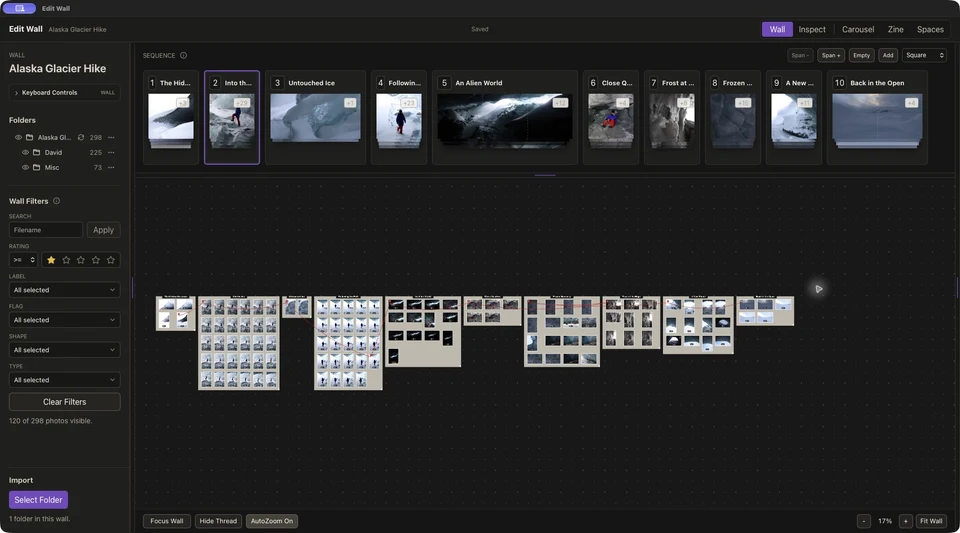
Start here
From 322 photographs to a ten-image story.
Follow Alaska Glacier Hike from import to export. Group alternatives, compare close choices, and find the rhythm of a sequence.
Written walkthrough · Timestamped video companion
Read the walkthroughChoose your next step.
Practical guides using real photographs and project screenshots.
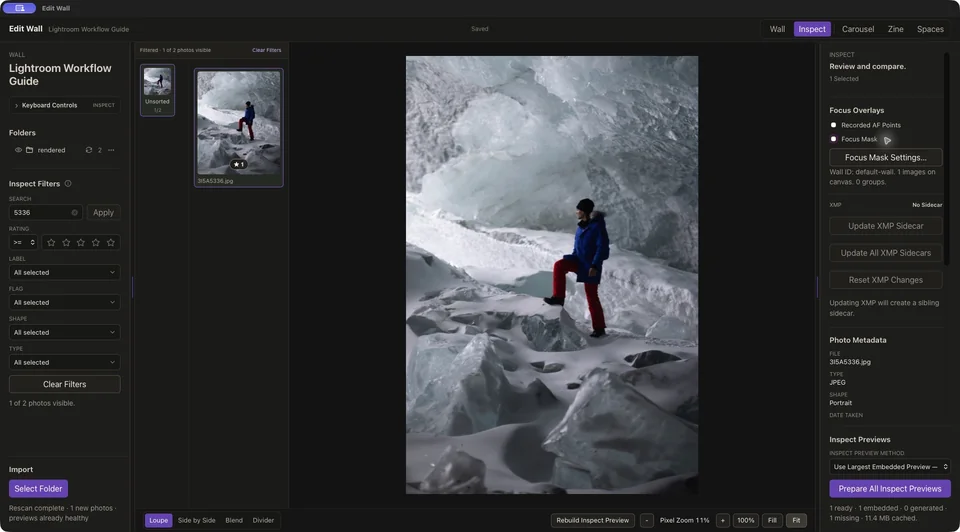
Bring your photographs
Work alongside Lightroom.
Use RAW files with XMP sidecars or finished JPEGs, and understand what carries between the apps.
Read the Lightroom guide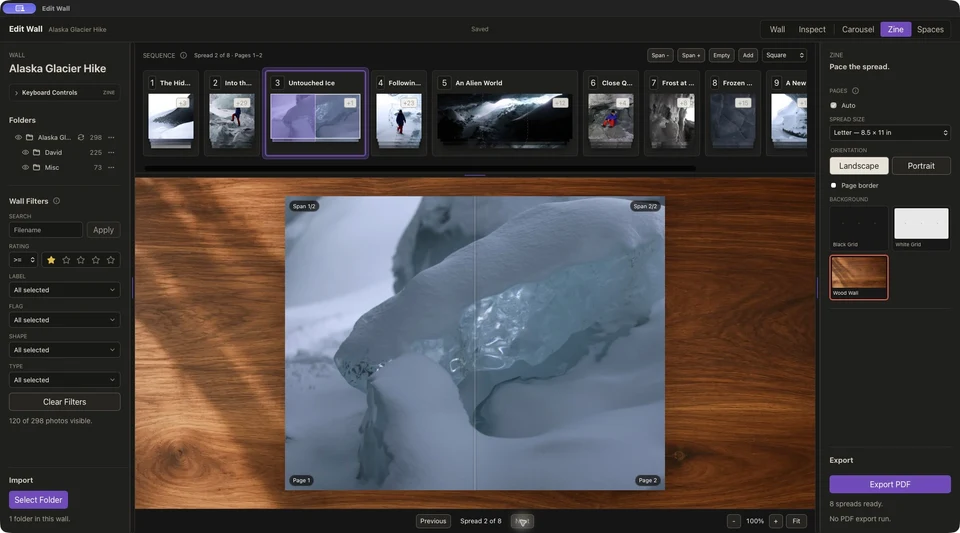
Make a zine
Find the rhythm of a page turn.
Build a sequence, compare facing photographs, and review covers and spreads before exporting a booklet PDF.
Read the zine guide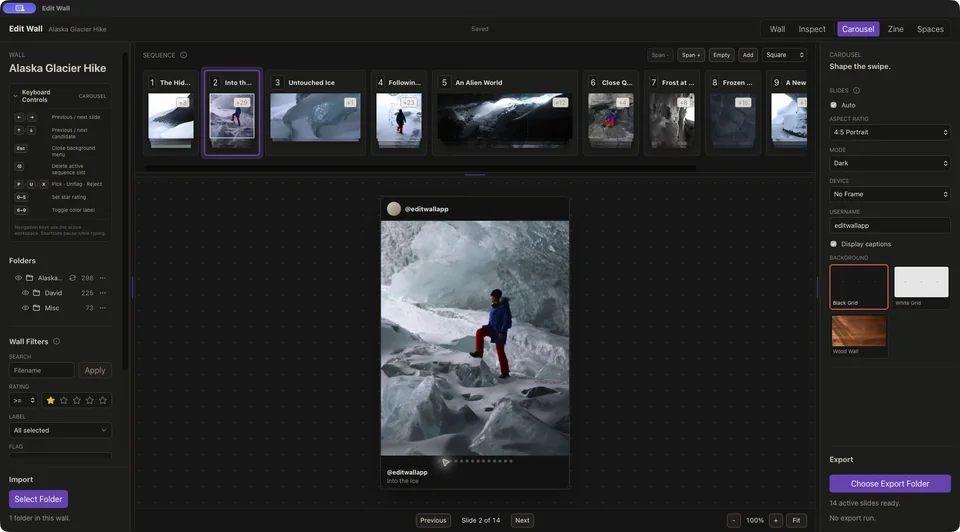
Create a carousel
Shape the story one swipe at a time.
Choose the frame, span photographs across slides, and export ordered JPEGs ready for your Instagram post.
Read the carousel guideAlaska Glacier Hike photographs by David Runyon.
Looking for the practical details?
Check Mac requirements, formats, and export options, or get help with EditWall.
Choose your workspace
A visual whiteboard or a photo sequencing app?
Compare EditWall, Apple Freeform, Miro, and PureRef by how you arrange photographs, share an edit, and export the result.
Read the photo whiteboard comparison